Business intelligence
Revenue, sales and your essential KPIs in a unified view. Live or scheduled updates depend on each data source.

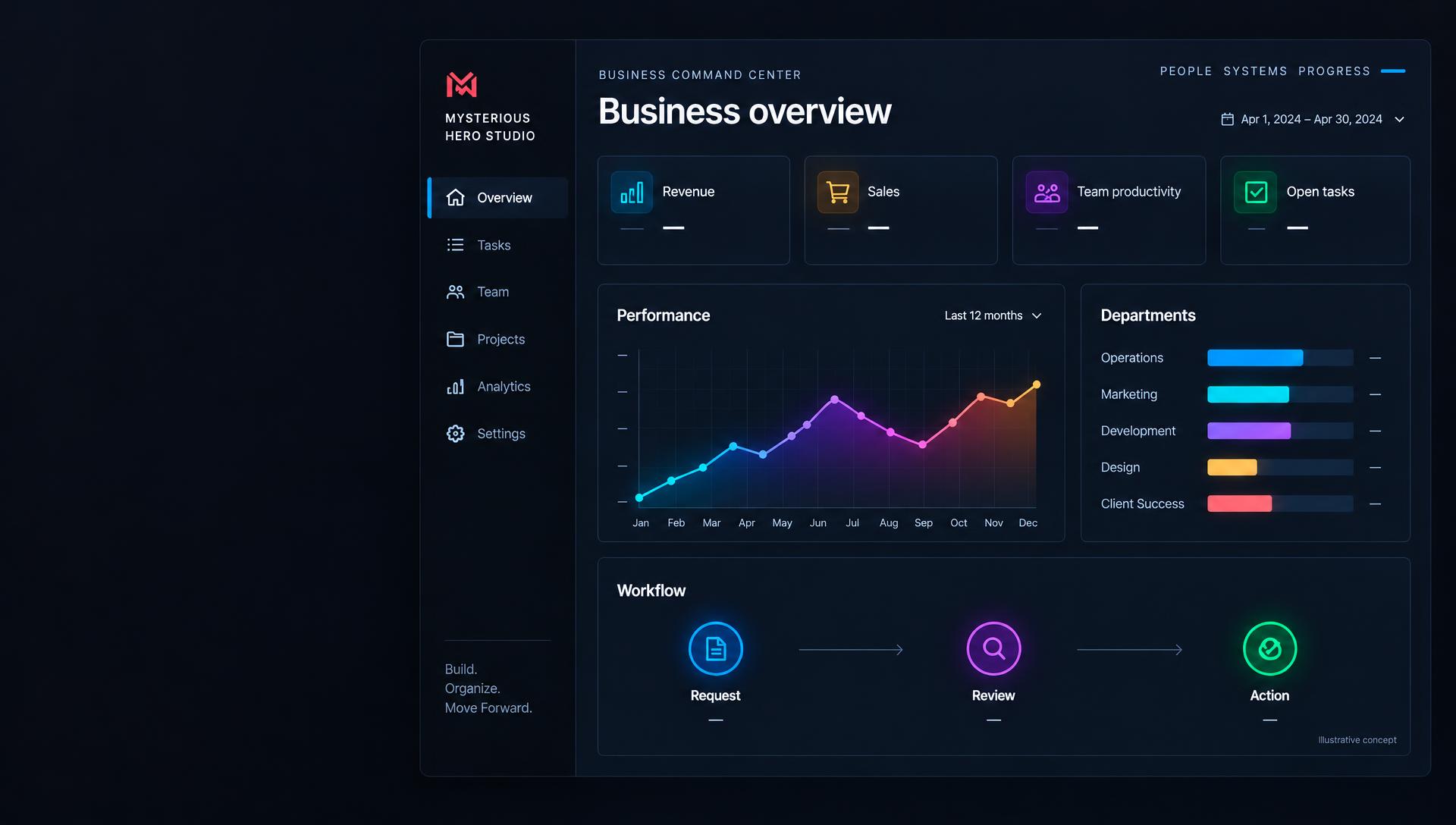
Business Command Center
Business Intelligence, Workflow Automation & Productivity Management.
Stop losing hours switching between applications and tracking business numbers manually. Bring your key business metrics, departmental performance, and everyday workflows into one centralized command center built around your business.
Custom-built to an agreed scope. Dashboard imagery is illustrative, not a live product or client result.
The problem
Disconnected tools fragment business data. Manual reports and scattered follow-ups consume time, while founders struggle to see performance across departments. A full ERP implementation can introduce more cost and complexity than a business needs.
Our solution
We design a customized command center that brings together relevant business data, team performance and actionable workflows. Keep the tools that work for you and connect what is technically supported, with modules implemented in manageable phases.
Key features
These are capabilities we can scope and develop for your business. Availability, update frequency and integrations are confirmed after reviewing your requirements and data sources.
Revenue, sales and your essential KPIs in a unified view. Live or scheduled updates depend on each data source.
Understand employee and team performance through agreed metrics, departmental views and relevant work data.
Bring task ownership, progress and outstanding actions together so work is easier to follow.
Custom approvals, follow-ups and notifications can reduce repetitive manual work across your processes.
Connect existing applications where APIs, permissions and technical access support the agreed integration.
Plan access around responsibilities, with permissions and data visibility defined during development.
Surface relevant exceptions and reminders, with actionable workflows scoped to your business priorities.
Start with essential dashboards and add custom modules, integrations and automation as needs evolve.
Business benefits
How it works
Map your departments, everyday processes and visibility gaps.
Agree on the numbers and productivity measures that matter.
Assess access, data quality and technically supported connections.
Develop and review a centralized view around your requirements.
Implement and test the agreed approvals, alerts and follow-ups.
Refine the system and add modules as your business grows.
Who it’s for
Flexible implementation
Begin with essential dashboards and a few high-value workflows. Add integrations, departmental views and custom modules as your needs grow. A modular approach prioritizes visibility and automation without adopting a full ERP system.
FAQs
Yes. This is a custom-development service, not an off-the-shelf software product. Dashboards, metrics, permissions and workflows are scoped around your requirements before implementation.
Supported integrations depend on the application's APIs, export options, permissions, licensing and technical limitations. We assess your existing tools first; no specific connection or real-time update is guaranteed before that review.
We define access roles, data handling, hosting requirements and appropriate security controls during scoping. The design depends on your data and deployment needs; no particular certification or compliance outcome is implied.
The timeline depends on the number of dashboards, source systems, data readiness and workflow complexity. After reviewing your requirements, we provide a phased plan and an estimated timeline.
Pricing is based on the agreed scope, integrations, custom modules and ongoing support needs. Book a consultation for a tailored proposal; there is no fixed price published for this service.
No. It is a flexible, modular alternative for businesses that need centralized visibility and automation without adopting a full ERP system. It does not claim to replace all ERP functions; existing business applications can remain part of your setup.
Related services
Business Command Center
Let’s identify the dashboards, connections and workflows that matter most to your business.